TAP
top picks
all set
kalma is now connected
to unpair it just tap forget on bluetooth settings

explore the kalma app and discover amazing sleep soundsÂ
play videos, music or podcasts from your favorite app

use preferably a firm pillow for better sound, more info inÂ
connect
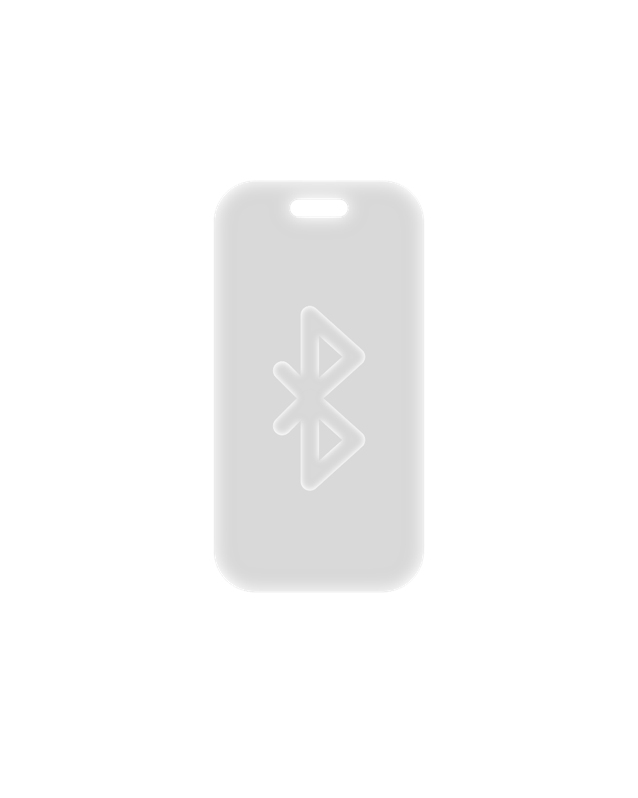
open bluetooth on your phone, search for kalma, tap connect and come back
place
kalma is designed to be placed under your pillow, just below your head
turn on
press the power button for 3 seconds to turn on kalma, you will feel it
charge
place kalma on on top of the kalma dock and it will start charging wirelessly
setup
place the kalma dock on your bedside table and connect it to power
download the kalma app
1
press
2
select
Añadir a pantalla de inicio
Añadir
3
tap
ocean Tropical Coral Reef
waves Nazaret
beach Maldives
campfire Sahara Dessert
fall Niagara
river Iceland
brown noise
kalma
weather
wind
The Andes Range
soft rain
San Francisco
heavy rain
Amazonia
storm
Bermuda Triangle
plane
clock
washer
fan
dreams
zen
balance
subway London
cafeteria Los Angeles
white noise
relax
fantasy
meditation
national park Yosemite
night forest New Guinea
lake High Lands
busy street New York
heavy rain Amazonia
soft rain San Francisco
storm Bermuda Triangle
thunder Maracaibo
wind The Andes Range
snow North Pole
settings
faq
recommended pillows
suggest sound
about us
device support
© kalma technologies
v1.0